
To setup an Apache Cordova project you need NPM. When you’ve done that you open a terminal.
1. Installing Cordova
sudo npm install -g cordova2. Create a project
When this is done it’s time to create a project. This is done with the create command. Run the following line but replace CordovaAndGoogleMaps with the name of your project.
cordova create CordovaAndGoogleMaps3. Add platform
Next it’s time to add platform. At the time when this is being written you can choose from these available platforms: amazon-fireos, android, blackberry10, browser, firefoxos, ios, osx, webos
Lets go for the ios platform, but first go in to the directory of your new project
cd CordovaAndGoogleMaps
cordova platform add ios
4. Running the app
cordova run iosThis will start the iOS simulator and fire up your app, looking like this:
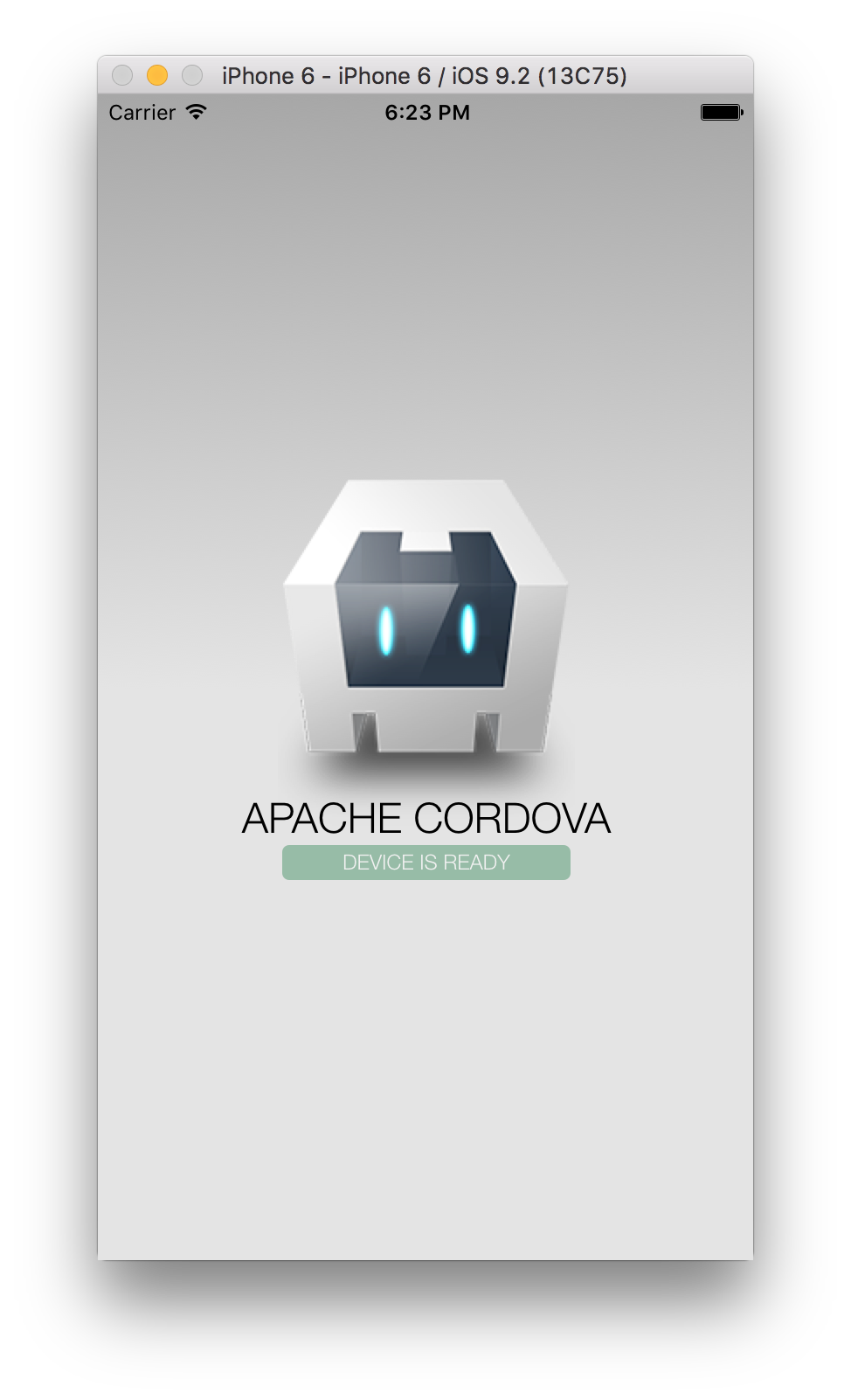
Setup an apache cordova project - first run