
1. Download and install module
Download and install the ckeditor module. Do not enable it yet.
2. Download the standalone editor
Now we need to add the latest ckeditor files to the module. Download it and extract the contents of the zip file into the folder ckeditor in the newly installed module directory. (My module was installed in sites/all/modules/ckeditor)
3. Enable module
Now go to Administration panel -> Modules -> User Interface and enable CKEditor.

User interface
4. Permissions
Grant permission for the users that need to use the editor at people -> permissions.
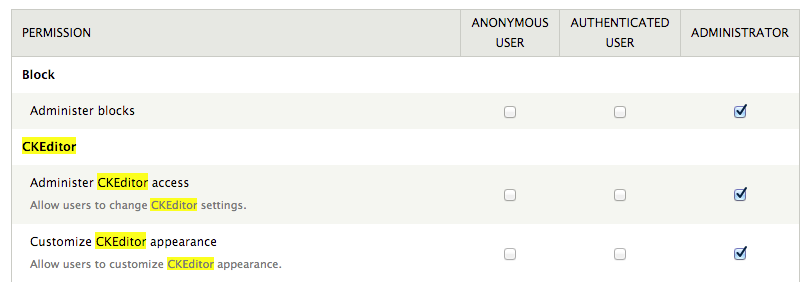
Permissions
5. Create content
When creating content for the standard basic page the text area is now a ckeditor instead.
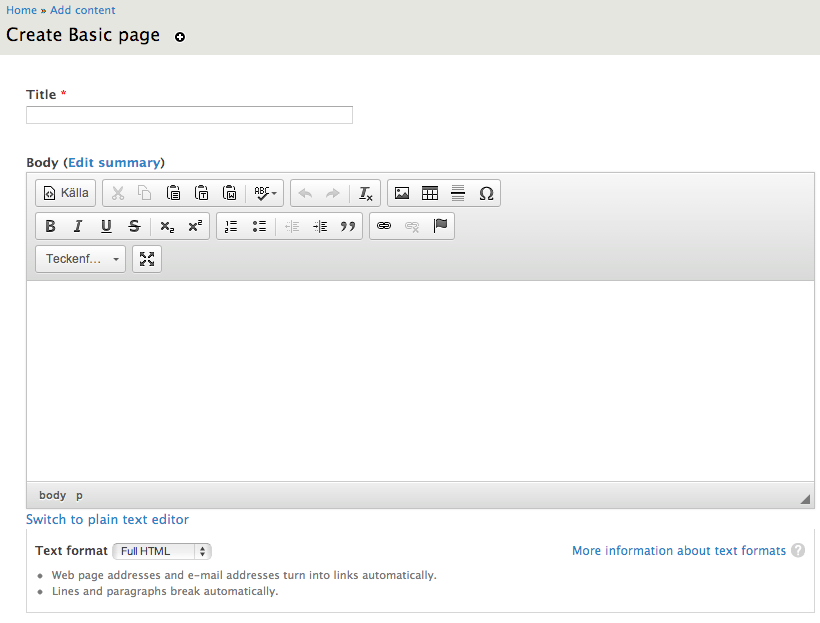
Permissions