
At the time of writing this tutorial there is no support for dark mode in electron. But it’s on its way. Before it’s released we can use Electron-packager for any electron app we want dark mode support for.
The Electron tutorial app already uses Electron packager. If your app doesn’t you can check out the electorn-packager tutorial.
However we first need to update the packager version to 12.2.0.
1. Updating to version 12.2.0 of Electron packager
open up package.json and change:
"electron-packager": "^8.1.0",to
"electron-packager": "^12.2.0",and run
npm installand to upgrade the global package use(when writing this it will give you v12.2.0):
npm update electron-packager -g2. Update packager script to enable dark mode
Now all we need to do is add a new option to our build script in package.json. That option is called darwinDarkModeSupport.
currently the packager script for mac looks like this:
"package-mac": "electron-packager . --overwrite --asar=true --platform=darwin --arch=x64 --icon=assets/icons/mac/icon.icns --prune=true --out=release-builds",And when adding darwinDarkModeSupport it looks like this:
"package-mac": "electron-packager . --overwrite --asar=true --platform=darwin --arch=x64 --icon=assets/icons/mac/icon.icns --prune=true --out=release-builds --darwinDarkModeSupport=true",3. Package app
To see the darkmode in action we need to package the app. use
npm run package-macto create the package and then start the app.
4. Switch to dark mode
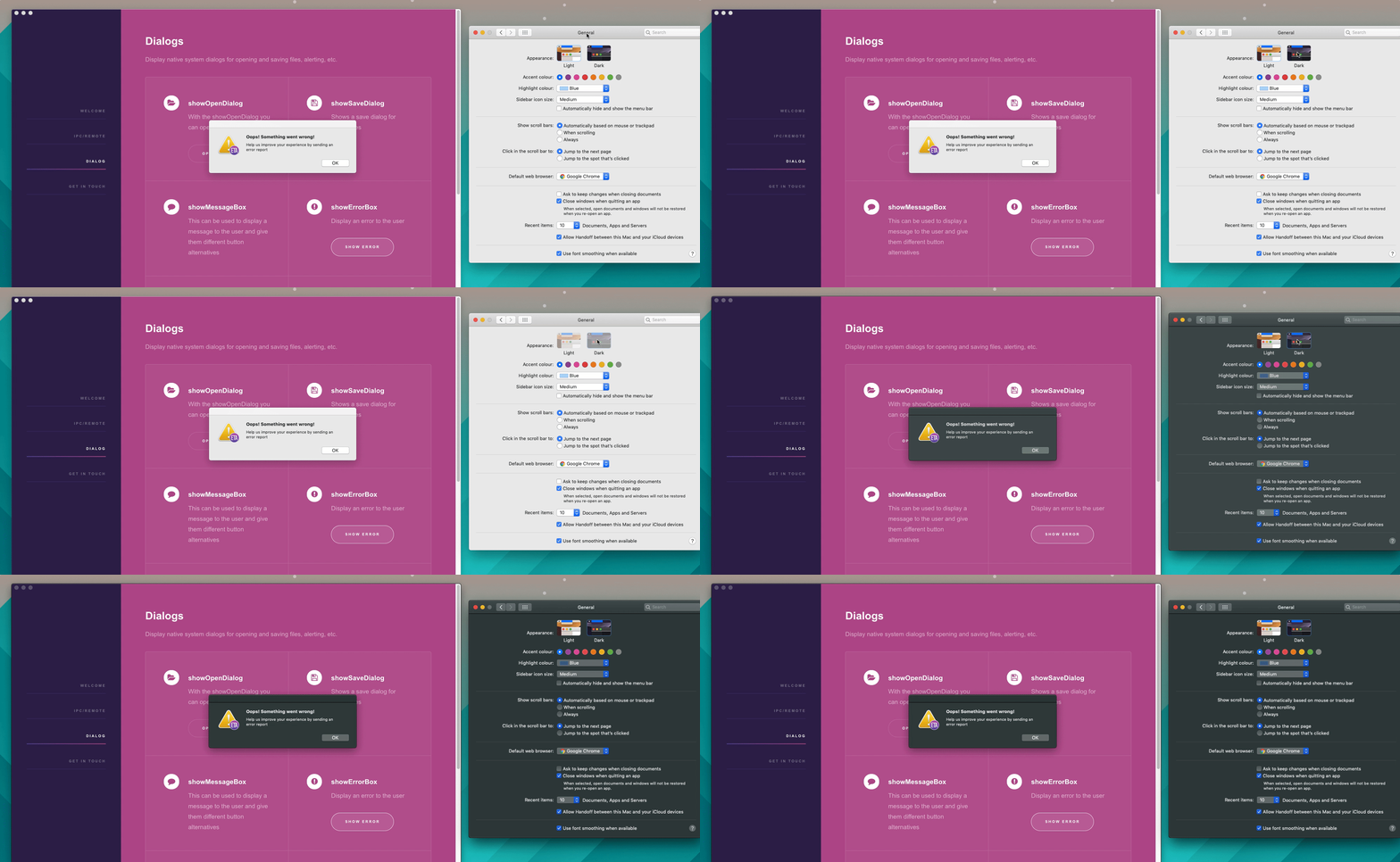
Darkmode