
Use the Electron dialog showErrorBox to display an error message to the user. Not much to it:
- Call it on the main process.
- Require dialog.
- Call showErrorBox() with a title and a message.
const { dialog } = require('electron')

dialog.showErrorBox('Oops! Something went wrong!', 'Help us improve your experience by sending an error report')
This is what the message will look like on macOS in Electorn tutorial app:
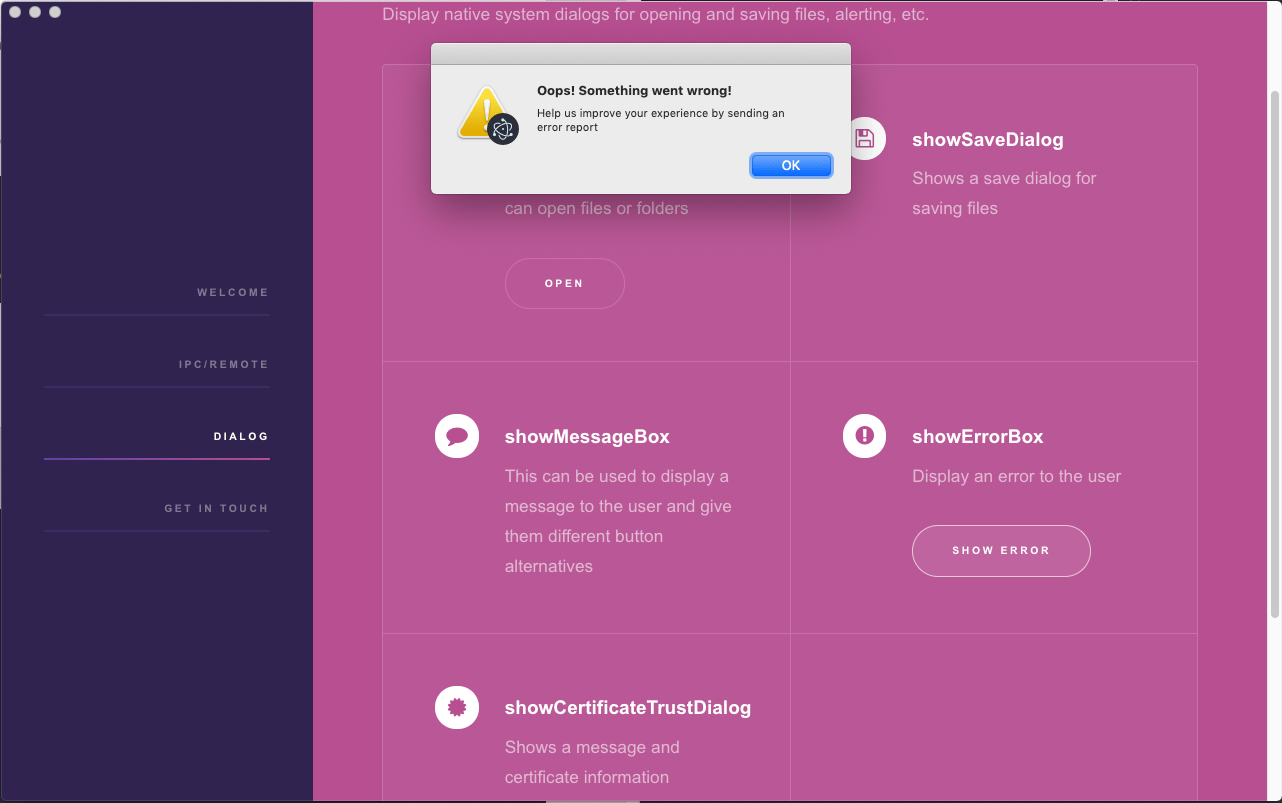
Electron error message
The file is called dialog.js in the github repo if you want to look at the code.