When I used the Ionic CLI to create the Dogwalk project it came with an iOS project. Now it’s time to add the Android platform.
These are the steps i took to install the Android SDK and add the Android Platform. I ran into errors, maybe you’ll get them as well, so even though this was not a smooth install maybe it helps!
Ionic add platform Android
To add the android platform to your app you run the following command in a terminal:
ionic platform add androidSince I already had the Android SDK installed from when building another project I figured I could run it directly. But i got this error:
Error: Failed to find 'ANDROID_HOME' environment variable. Try setting setting it manually.
Failed to find 'android' command in your 'PATH'. Try update your 'PATH' to include path to valid SDK directory.
The solution according to stack overflow was to do this:
export ANDROID_HOME=/<installation location>/android-sdk-macosx
export PATH=${PATH}:$ANDROID_HOME/tools:$ANDROID_HOME/platform-tools
But that didn’t work. So I installed Android Studio.
Android Studio
After installing Android Studio I got a few questions to update and install SDK-components I didn’t have. I accepted them all.
After that i opened the platforms/android project in android studio and tried to run it in a Simulator. And in this step Android Studio wanted to install a simulator. So it did install the Android_Accelerated_X86. If you choose the other one it will be slow and not be able to start the ionic app. At least I got the error message that it couldnt find the folder android_asset.
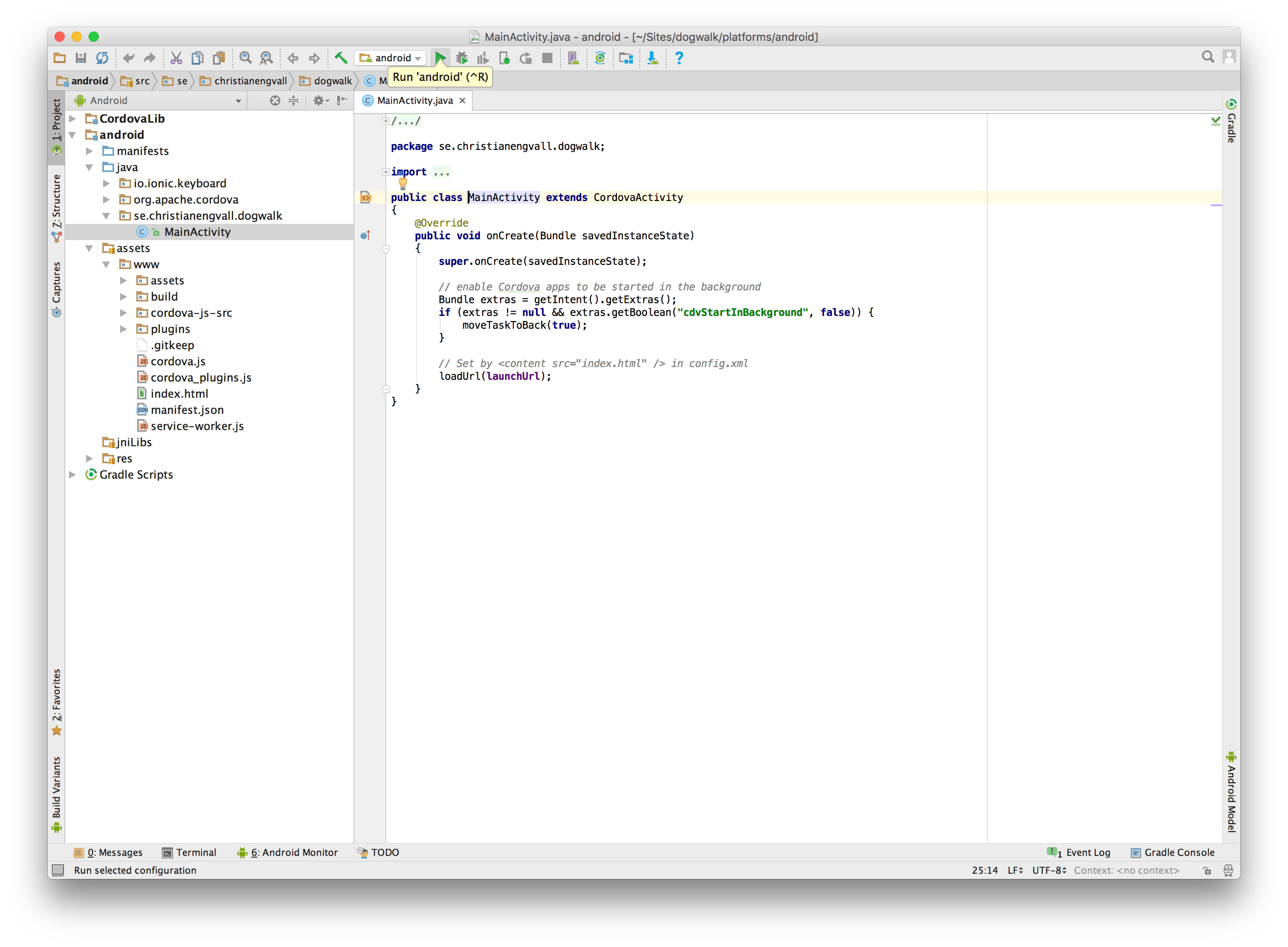
Android Studio run app
But the simulator couldn’t open the app. At this point I figured I should delete the ionic android project and add it again. So close Android studio.
Delete an Ionic platform
To remove a platform run this command in a terminal:
ionic platform rm androidThe next step was to make sure i’ve got the latest Ionic and Cordova version.
Updating Ionic and Cordova
Run this terminal in a terminal:
npm update -g ionic cordovaAdding and building Android platform again
Once again run some commands in the terminal:
ionic platform add android
ionic build android
No errors this time. Awesome!
So lets run the app in the emulator:
ionic build androidAnd this time it was successful!
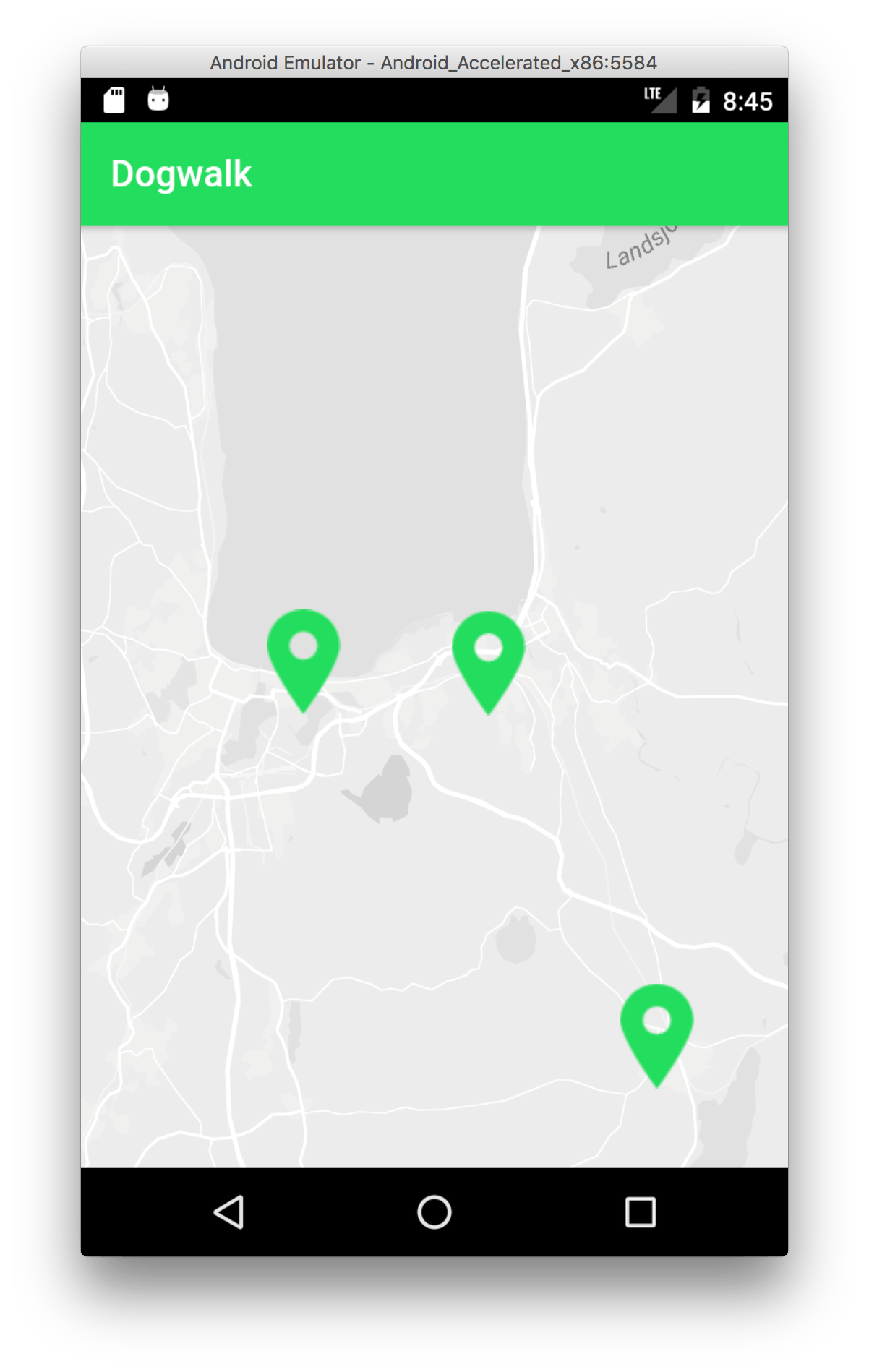
Ionic 2 dogwalk android simulator