
You can add Flattr button to markdown on your github repo’s (or any other service that uses markdown). Here is how.
Form for creating Flattr markdown
I found this service created by Christopher Käck. You enter your username, url to the repo, and set a project name. Which then gives you markdown looking like this:
Support this open source repo by using
[](https://flattr.com/submit/auto?user_id=ChristianEngvall&url=https://github.com/crilleengvall/GitUndo&title=GitUndo&language=&tags=github&category=software)And this will give you a Flattr button looking like this:
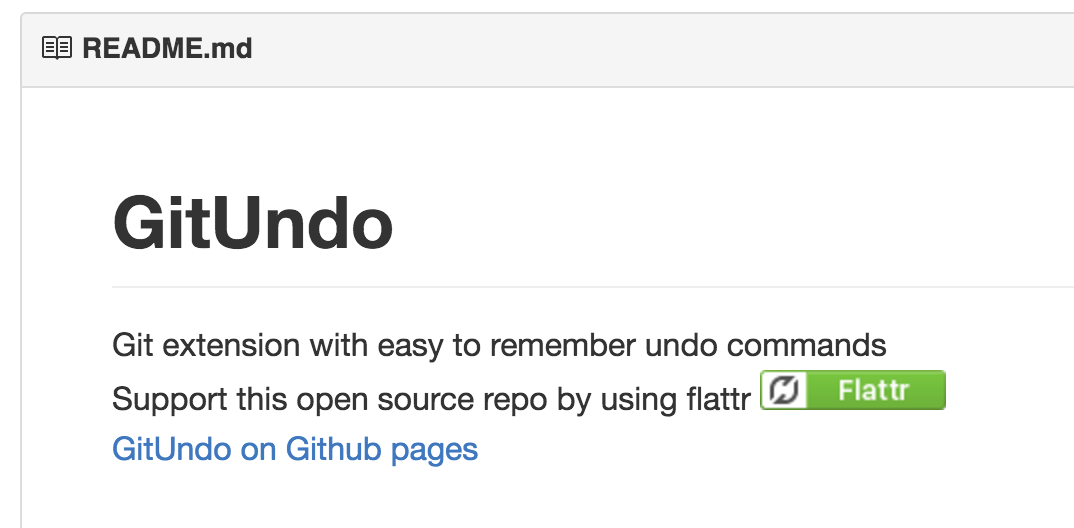
Readme - Adding Flattr button to markdown
I myself has started using flattr, if you want to support the posts shared on this blog you can use the Flattr button at the top of this post.