I’m interested in trying React native instead of Ionic for Dogwalk. And when doing this i’ll be writing the steps I take if someone else is interested in learning this as well. Now we’ll take a look on how to install React Native.
For React Native we need node, Watchman, React Native CLI and Xcode. Watchman is a service for watching changes in files and trigger actions when that happens. Reactive CLI is the command interface for React Native. Xcode is Apples IDE.
1. Install node and Watchman
Install node and watchman with Homebrew
brew install node
brew install watchman
2. Install React Native CLI
And then install React Native CLI with npm
npm install -g react-native-cli3. Install Xcode and the Xcode Command line tools
Install Xcode from the Mac app store.
Then open the preferences of Xcode and install Command line tools.
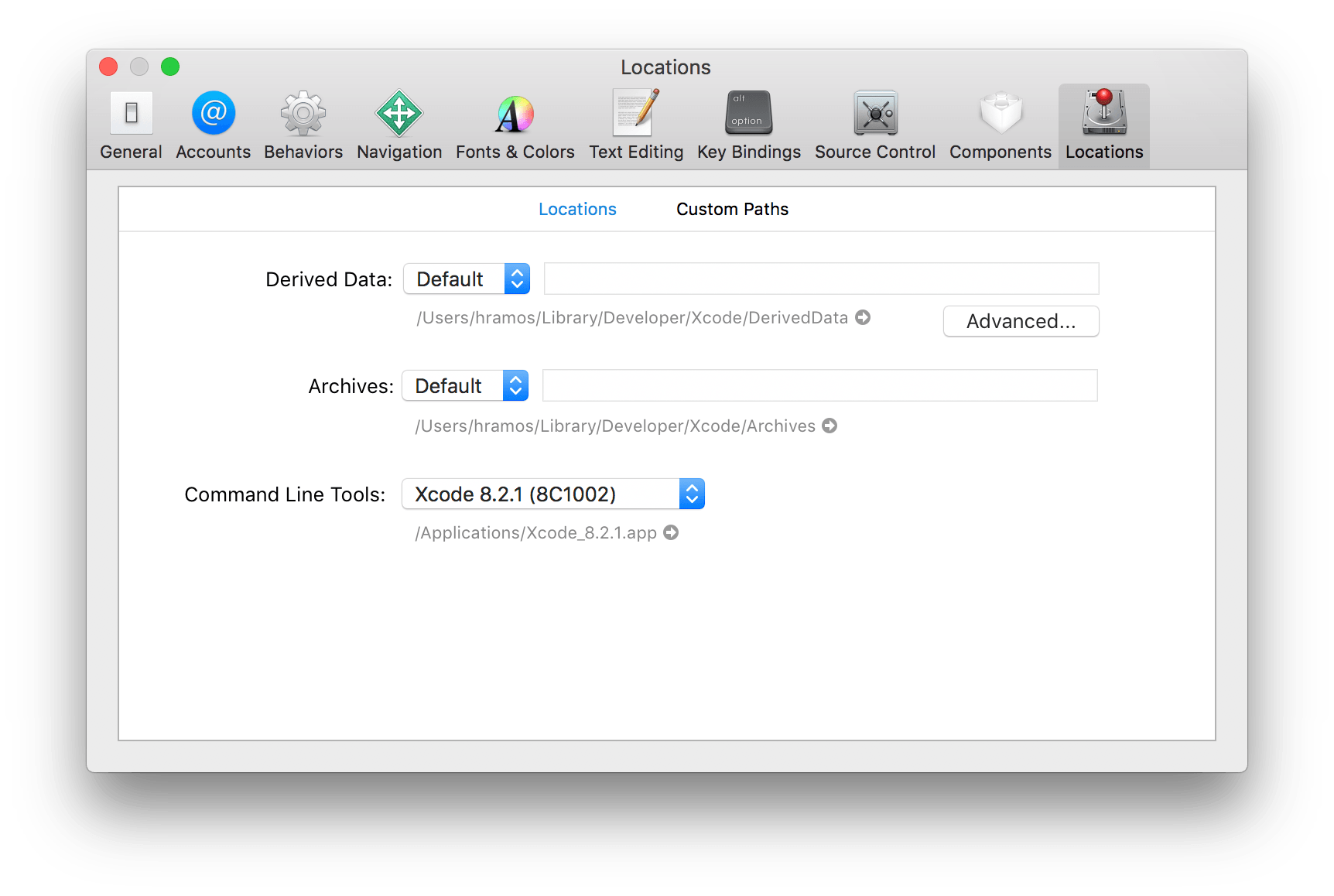
Command line tools - Image borrowed from React native
4. Creating a React Native project
Run these commands in a terminal:
react-native init MyNewProject
cd MyNewProject
react-native run-ios
And we’ll end up with a screen like this:
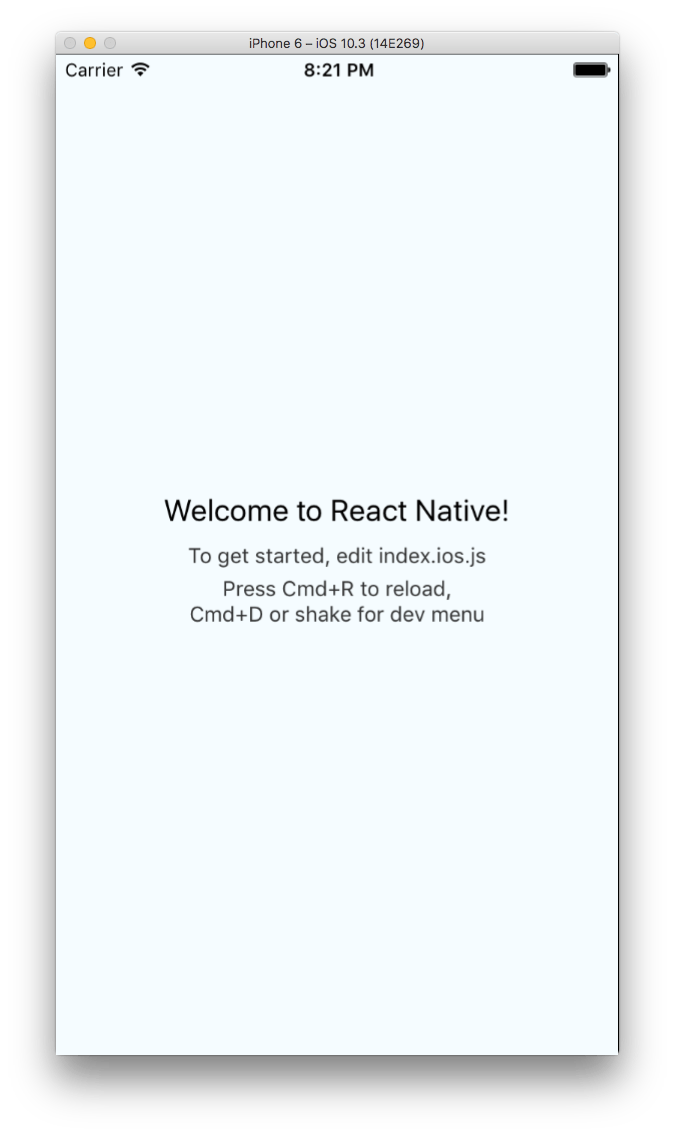
React native start screen
React Native documentation
To continue to explore React Native take a look at the Learn the basics in the documentation.