
Ionic is a cross platform tool to create mobile apps for iOS, Android and Windows Phones. Lets take a look at installing Ionic.
I thought I’d build an app called Dogwalk. I wanted it to run on both Android and iOS phones so I decided to learn Ionic. I also thought I’d blog about all the steps I take to create it. You will get to know more about the app as we go along.
Installing
Start by installing Node.js. After that open up a terminal and use npm to install cordova and ionic:
npm install -g cordova ionicCreating an app
To create an app using Ionic there are three templates you can start with, blank, tabs and sidemenu. The name of the templates kind of explains themselves.
For dogwalk I’d like to start with the blank template by typing this in the terminal:
ionic start --v2 dogwalk blankWhen this is done you can run an almost empty app in the iOS simulator or in your browser. Running it in the browser is a great way to speed up development since you do not have to wait for the simulator to start every time.
Command to run it in your browser:
cd dogwalk
ionic serve
To run the app in ios simulator: (make sure you have it installed)
cd dogwalk
ionic run ios
That’s it!
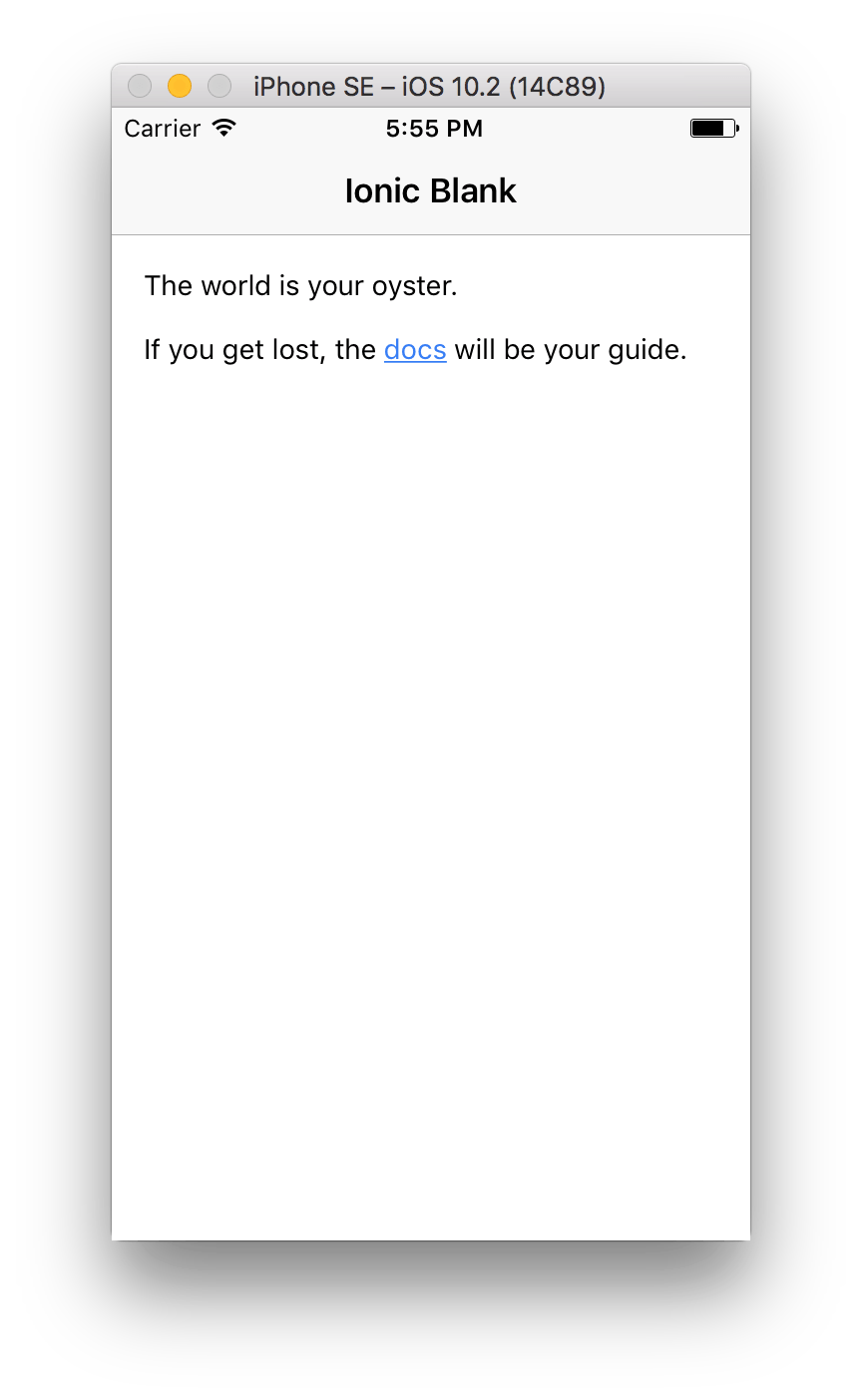
Ionic blank template in ios simulator